> For the complete documentation index, see [llms.txt](https://vesta-guide.gitbook.io/vesta-guide/llms.txt). Markdown versions of documentation pages are available by appending `.md` to page URLs; this page is available as [Markdown](https://vesta-guide.gitbook.io/vesta-guide/dutch-nl/vesta-396.md).
# VESTA-396
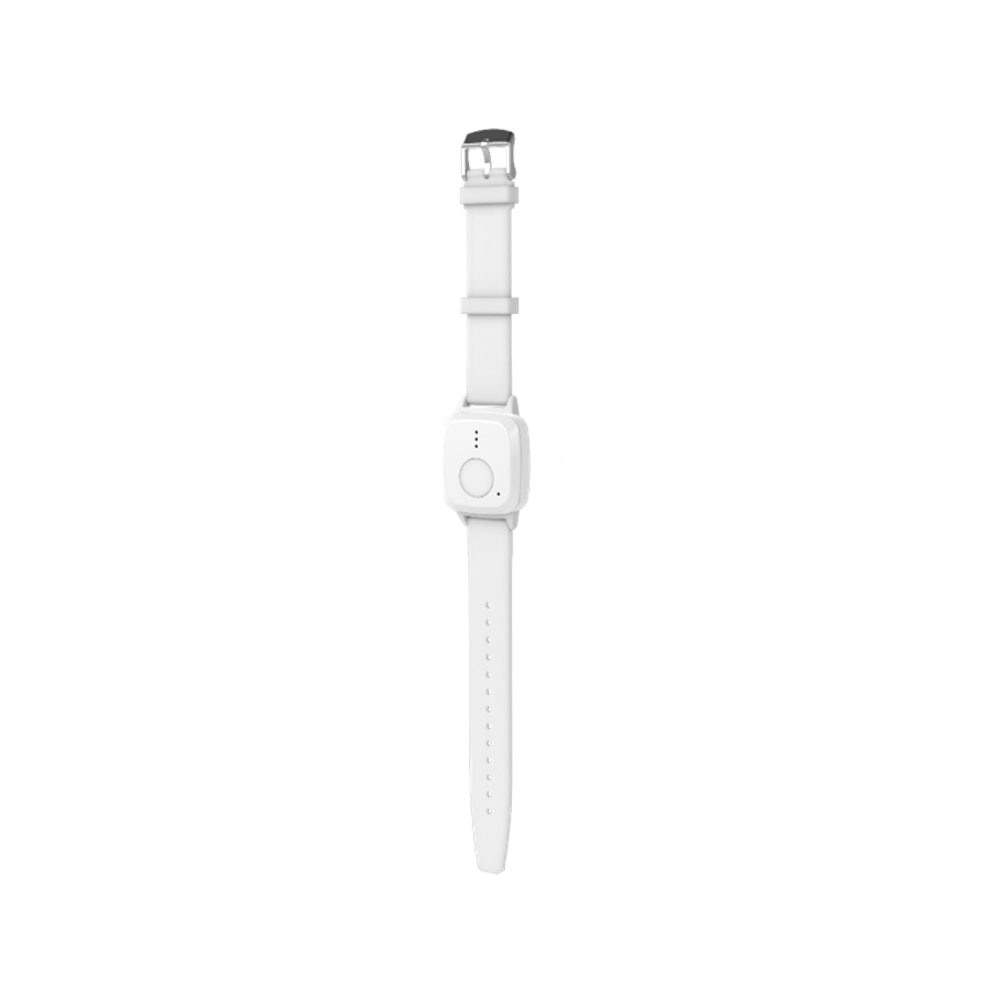
Snelstart Mobile Lite VESTA-338
VESTA-396
**STAP 1: SIM-activering en APN-configuratie:**
Het apparaat **bevat** een SIM-kaart van simalarm.eu de APN is: **internet.csliot.com**
1. **SIM-activering:**
* Ga naar het SIM-activeringsplan van simalarm via de volgende link: [SIM-plan ](https://www.simalarm.eu/es/generic-5-mb-20-sms-5voice-general-clone-en/)**.**
* Volg de [instructies](https://vesta-guide.gitbook.io/vesta-guide/third-parties/simalarm) om de SIM te activeren die ingebed is in het Mobile Lite VESTA-338 apparaat.
2. **APN-instellingen:**
* Als het apparaat de APN niet vooraf geconfigureerd heeft, stuur dan een SMS naar het apparaat met het volgende formaat:
Kopieer
```
APN:PROG,1111,apn,usuario,contraseña
```
* `apn`= De APN van uw provider.
* `usuario`= De gebruiker (Als u geen gebruiker heeft, laat leeg).
* `contraseña`= Het wachtwoord (Als u geen wachtwoord heeft, laat het leeg).
* Als u geen gebruikersnaam en wachtwoord heeft, gebruik:
Kopieer
```
APN:PROG,1111,apn,,
```
**Aanvullende SMS-configuratievoorbeelden:**
1. **ARC-configuratie:**
```
RPT:PROG,1111,1,abonado@ip:puerto,1,21,0,255
```
2. **Locatie verzenden via SMS:**
```
RPT:PROG,1111,2,00351967641619,2,31,0,255
```
3. **Bellen naar de eindklant:**
```
RPT:PROG,1111,3,00351967641619,3,0,0,4
```
**STAP 2: Het registreren van het apparaat in MedAlert:**
* Na het instellen van de APN, wacht alstublieft **5 minuten** om het apparaat succesvol met de cloud te laten verbinden.
* Ga verder met het registreren van het apparaat als installateur in MedAlert via de **WEB** of de **APP** .
1. Log in als installateur en selecteer de + knop om het Mobile lite paneel toe te voegen:
1. Selecteer Mobile lite:
1. Vul de informatie in om het paneel toe te voegen:
**IMEI** : Het IMEI-adres van het apparaat (Het staat op de zijkant of achterkant van de Mobile lite)
**Apparaatnaam**
**Mobiele telefoon:** ZEER BELANGRIJK! Het moet het telefoonnummer zijn van de SIM die in de mobile lite is geplaatst; in het geval van de SIMALARM SIM staat dit op de blauw/witte kaart
Zodra het apparaat geregistreerd is, kan het vanuit MedAlert geconfigureerd worden
### **Geschatte batterijduur op basis van configuratie**
De volgende schattingen geven een algemene richtlijn voor de batterijduur van een volledige lading (100%) tot leeg (0%), gebaseerd op verschillende configuraties:
* **Laag gebruik-configuratie**: Tot 2 dagen
* **Gemiddeld gebruik-configuratie**: Ongeveer 24 uur
* **Hoog gebruik-configuratie**: Ongeveer 8 uur
Houd er rekening mee dat deze waarden bij benadering zijn en dat de werkelijke batterijduur kan variëren door factoren zoals netwerksterkte, frequentie van meldingen, omgevingstemperatuur en andere omgevingscondities.